Even-aged vs. uneven-aged stands in satellite imagery: what to look for
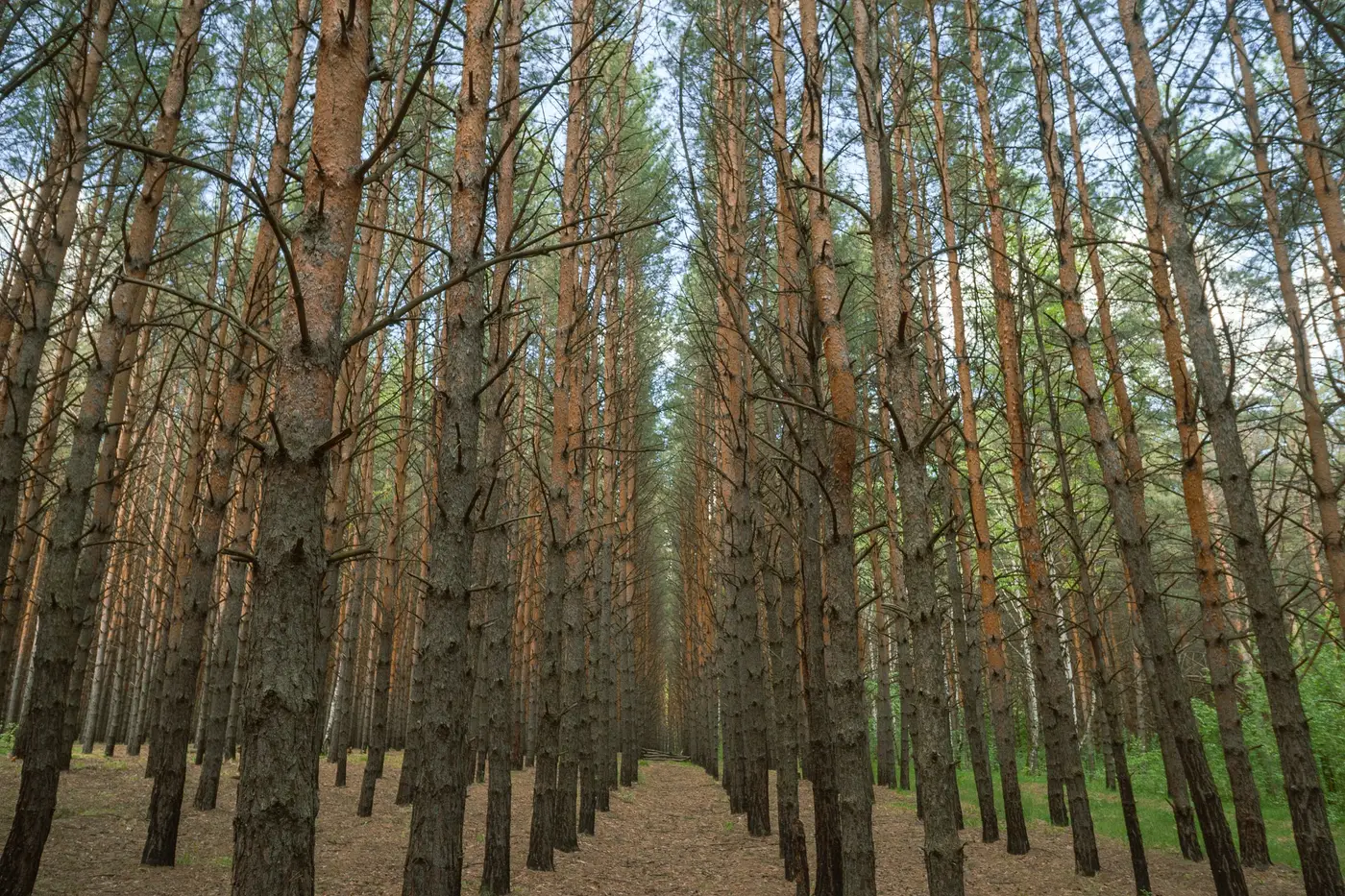
If you manage a mix of planted compartments and leave-strip or natural regen along the creek bottoms, you already know the two don't behave the same way on a screen. A straight-planted loblolly block at year twelve reads completely differently from a selectively harvested hardwood draw carrying three or four age classes side by side. The question is what exactly you're looking at when you pull up a satellite pass and try to tell them apart without driving out there first.
Canopy texture is the first tell
In a true even-aged stand, every tree germinated or was planted within a season or two of its neighbors. From a multispectral pass, that shows up as a tight, repetitive texture: crown sizes bunched close together, gaps closing at roughly the same rate across the whole compartment, and a canopy that reads almost like a weave pattern when you zoom in. Rows planted on 8-by-10 or 10-by-12 spacing will sometimes still show faint linear structure even after crown closure, especially in younger age classes where canopy hasn't fully knitted.
An uneven-aged stand breaks that pattern on purpose. You'll see a patchwork of crown sizes in the same frame: big dominant crowns next to younger regeneration pockets, with the index values jumping around compartment to compartment instead of moving together. Shadow pattern is a decent secondary check too. Even-aged canopy throws a fairly uniform shadow line at the stand edge, while uneven-aged structure throws a ragged one because the overstory height varies so much inside the same block.
Color uniformity and how it drifts over a season
Multispectral imagery picks up vigor along with texture, and vigor tracks age class closely in planted stock. An even-aged compartment tends to green up together and show stress together, because every tree in it is pulling water and light under roughly the same canopy conditions. If you're watching an index value across a growing season, an even-aged stand's curve looks like one coherent signal moving up or down. An uneven-aged stand's signal is noisier by nature: the understory trees are shaded and slower, the dominants are ahead of them, and averaging the whole compartment into one number smooths over real differences that a single pass won't show you.
The structure call feeds straight into scheduling. A compartment that's genuinely even-aged and tracking its growth trajectory on pace is the one you schedule for a first or second thinning. A compartment that reads uneven, whether from natural regen, a missed replant, or windthrow salvage years back, needs a different call entirely, because a thinning prescription written for single age-class stocking doesn't translate cleanly to a mixed one.
Where this breaks down
None of this replaces a cruise. Satellite imagery at wide resolution won't tell you basal area, won't give you a stocking percentage, and won't catch a thin understory layer hiding under a closed canopy. What it's good for is a first screen across the whole ownership before you send a crew anywhere: flagging which compartments still show the tight, uniform texture consistent with single age-class stocking and which ones have drifted or never were even-aged to begin with. That screen is what lets a forester prioritize field time instead of walking every block on the same rotation calendar regardless of how it's tracking.
If you're running that screen by eye off a single image, you're reading texture and color by feel, which works until you've got forty compartments due for a look and three weeks to do it in. Plantation Monitor builds a per-stand time series from annual passes instead of a one-off snapshot, plotting each compartment's index against its own growth trajectory so you can see which ones are tracking even-aged and on schedule for thinning, and which ones have drifted and need another season before you commit a crew.
Pull your compartment list and see which stands are ready to go.